INDUSTRIAL PIPES & CUSTOM COMPONENTS
NOKX GROUP
NOKX supplies welded and seamless pipes, fittings, flanges, forgings and precision-machined components to project specifications. Send your drawing, material and quantity for technical review and quotation.
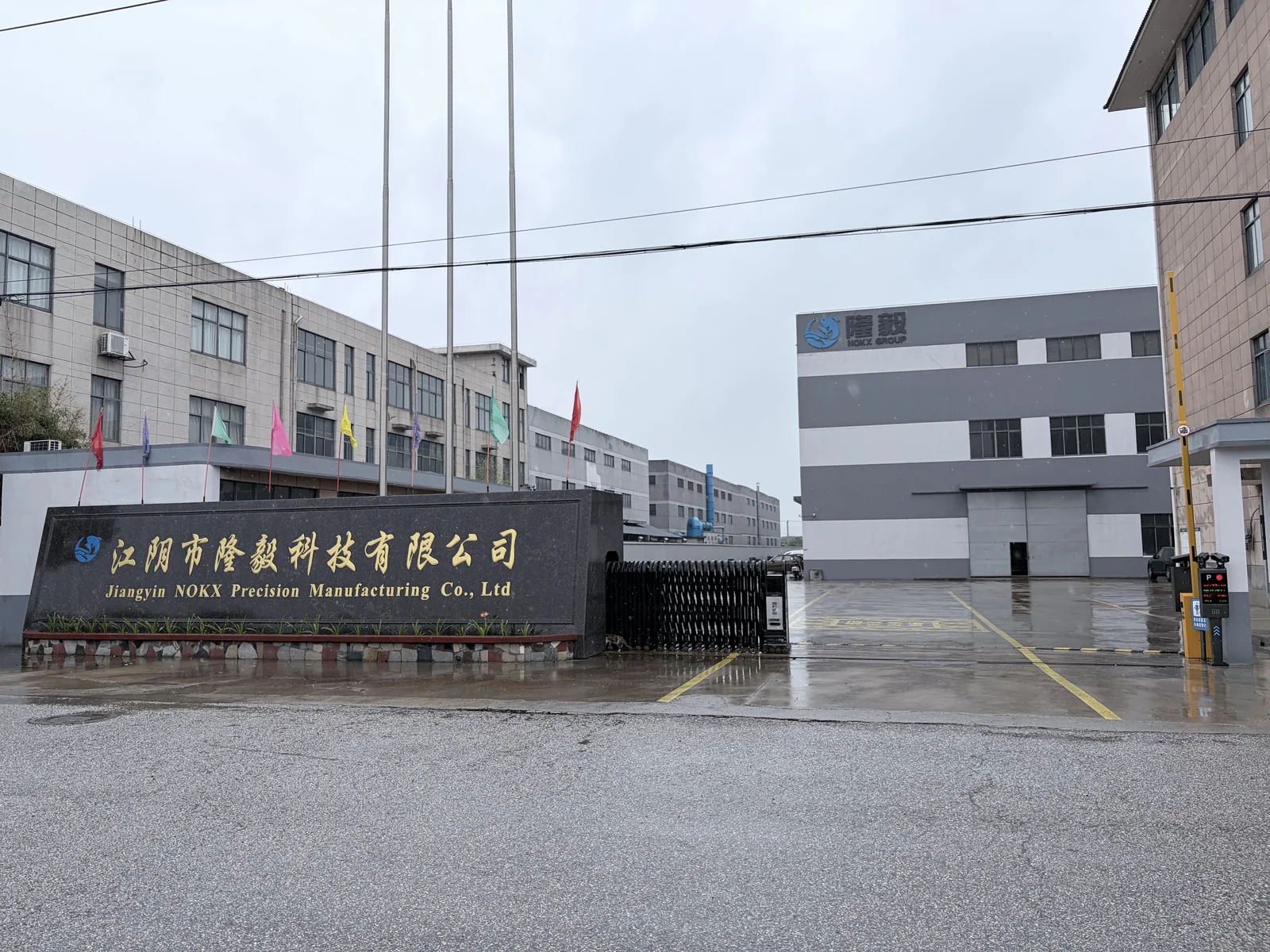
01 / FACTORY EVIDENCE
Factory Video
02 / PARTNERSHIP
Why Partner with us
Strength makes miracles,Precision shapes details.
Craftsmanship
Meticulous processes create precision components.
Resilience
Strong problem-solving overcomes all challenges.
Execution
Decisive execution ensures timely delivery.
Expertise
Comprehensive expertise perfects every product.
Our Process
From drawing review to inspection and delivery.
此处放真实设计工作场景、CAD 图纸或工程师设计过程照片。建议尺寸:1200×800|比例:3:2
1. DesignDrawings, materials and standards reviewed before production.
此处放真实弯管设备或管件弯曲加工照片。建议尺寸:1200×800|比例:3:2
2. BendingControlled forming for accurate curves and stable dimensions.
此处放真实焊接操作或焊缝细节照片。建议尺寸:1200×800|比例:3:2
3. WeldingReliable joining and inspection for fabricated assemblies.
此处放真实热模锻设备或高温锻造过程照片。建议尺寸:1200×800|比例:3:2
4. Hot Die ForgingRepeatable die-formed components with controlled material flow.
此处放真实自由锻造设备或加工过程照片。建议尺寸:1200×800|比例:3:2
5. Free ForgingLarge custom blanks shaped for further machining.
此处放真实金属切割设备或切割过程照片。建议尺寸:1200×800|比例:3:2
6. CuttingAccurate cutting and edge preparation for downstream processing.
此处放真实 CNC 机床加工产品的照片。建议尺寸:1200×800|比例:3:2
7. CNC MachiningPrecision turning, milling and drilling to drawing.
此处放真实检测仪器、尺寸测量或质量检验照片。建议尺寸:1200×800|比例:3:2
8. InspectionMaterials, dimensions and documentation checked to requirements.
此处放真实成品防护包装或出货准备照片。建议尺寸:1200×800|比例:3:2
9. PackagingProtective marking and export packing for safe delivery.
此处放真实定制金属零件或特殊项目成品照片。建议尺寸:1200×800|比例:3:2
10. Custom SolutionsCoordinated manufacturing for non-standard project requirements.
Products
Industrial components supplied to project specifications.
Welded Pipes
此处放与本产品卡片名称完全一致的真实产品照片,保持统一角度和干净背景。建议尺寸:1200×900|比例:4:3
Stainless and alloy welded pipes supplied to project standards.
Seamless Pipes
此处放与本产品卡片名称完全一致的真实产品照片,保持统一角度和干净背景。建议尺寸:1200×900|比例:4:3
Seamless stainless, duplex and nickel-alloy pipes for demanding service.
Pipe Fittings
此处放与本产品卡片名称完全一致的真实产品照片,保持统一角度和干净背景。建议尺寸:1200×900|比例:4:3
Large-diameter, heavy-wall fittings for industrial pipeline systems.
Flanges
此处放与本产品卡片名称完全一致的真实产品照片,保持统一角度和干净背景。建议尺寸:1200×900|比例:4:3
Standard and custom forged flanges supplied to specification.
Custom Welding
此处放与本产品卡片名称完全一致的真实产品照片,保持统一角度和干净背景。建议尺寸:1200×900|比例:4:3
Formed and welded assemblies coordinated through final inspection.
Heat Exchangers
此处放与本产品卡片名称完全一致的真实产品照片,保持统一角度和干净背景。建议尺寸:1200×900|比例:4:3
Heat-exchanger tubes and components matched to operating conditions.
Die Forgings
此处放与本产品卡片名称完全一致的真实产品照片,保持统一角度和干净背景。建议尺寸:1200×900|比例:4:3
Repeatable closed-die forgings with controlled material flow.
Open-Die Forgings
此处放与本产品卡片名称完全一致的真实产品照片,保持统一角度和干净背景。建议尺寸:1200×900|比例:4:3
Large custom forging blanks prepared for further machining.
CNC Precision Machined Parts
此处放与本产品卡片名称完全一致的真实产品照片,保持统一角度和干净背景。建议尺寸:1200×900|比例:4:3
Precision-machined parts finished to drawing-defined dimensions.
Have a Custom Requirement?
Send your drawing, material and quantity for technical review.
Clients & Partners
About Us
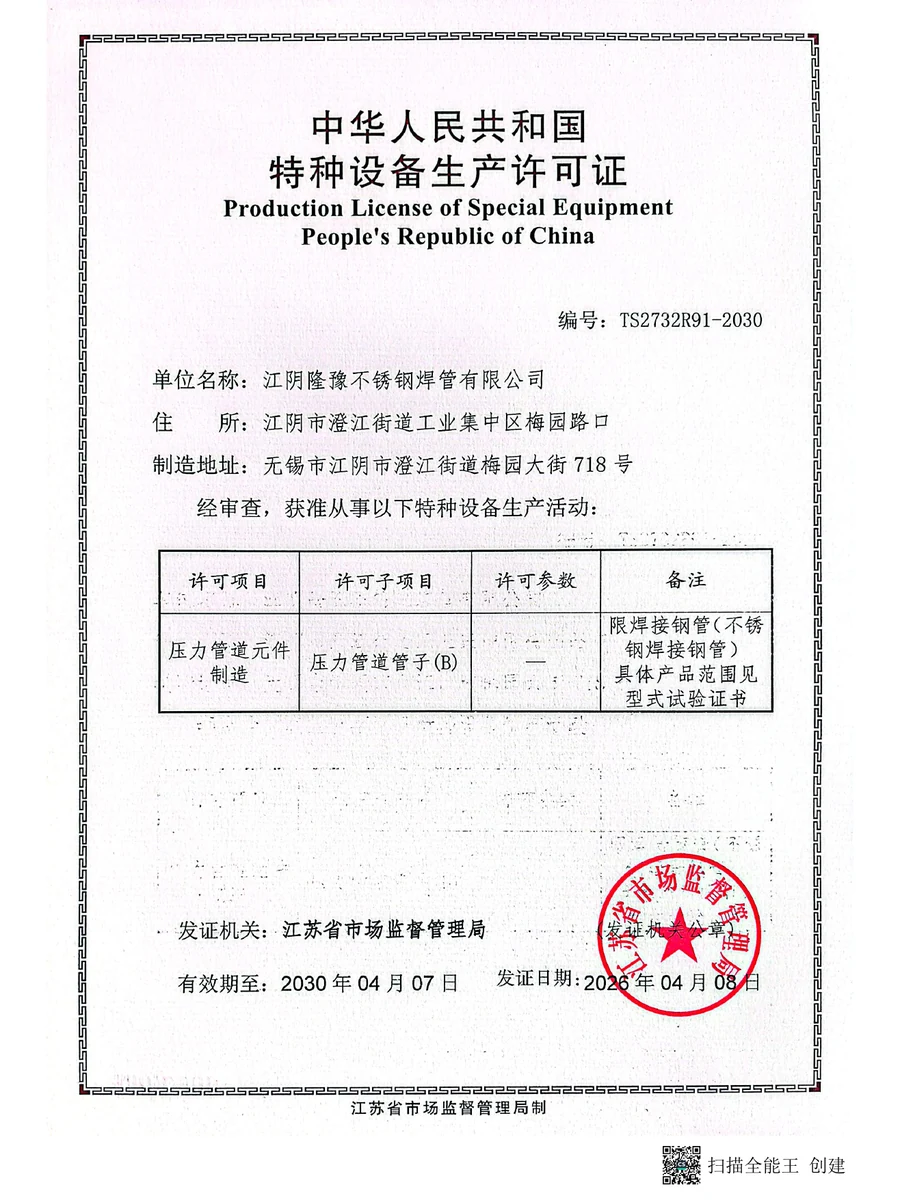
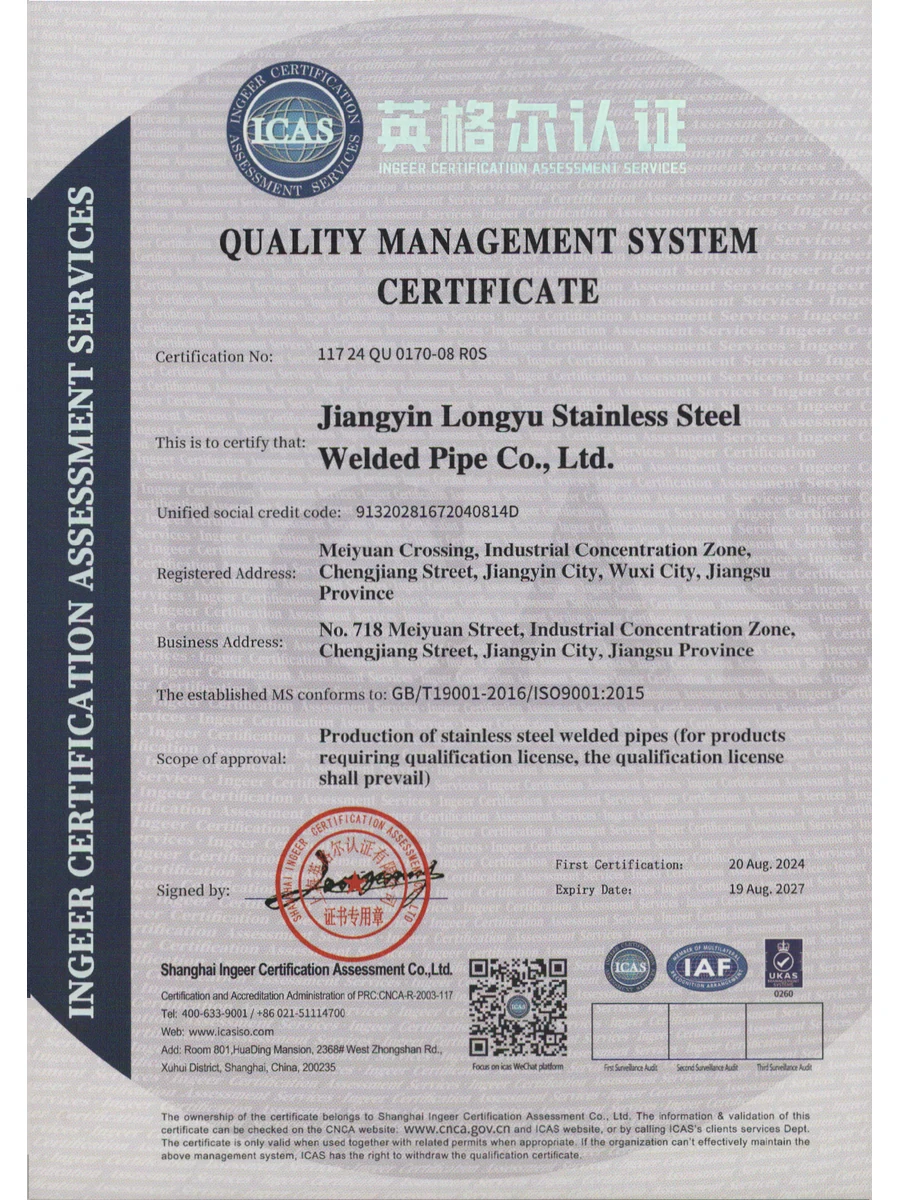
Certifications:
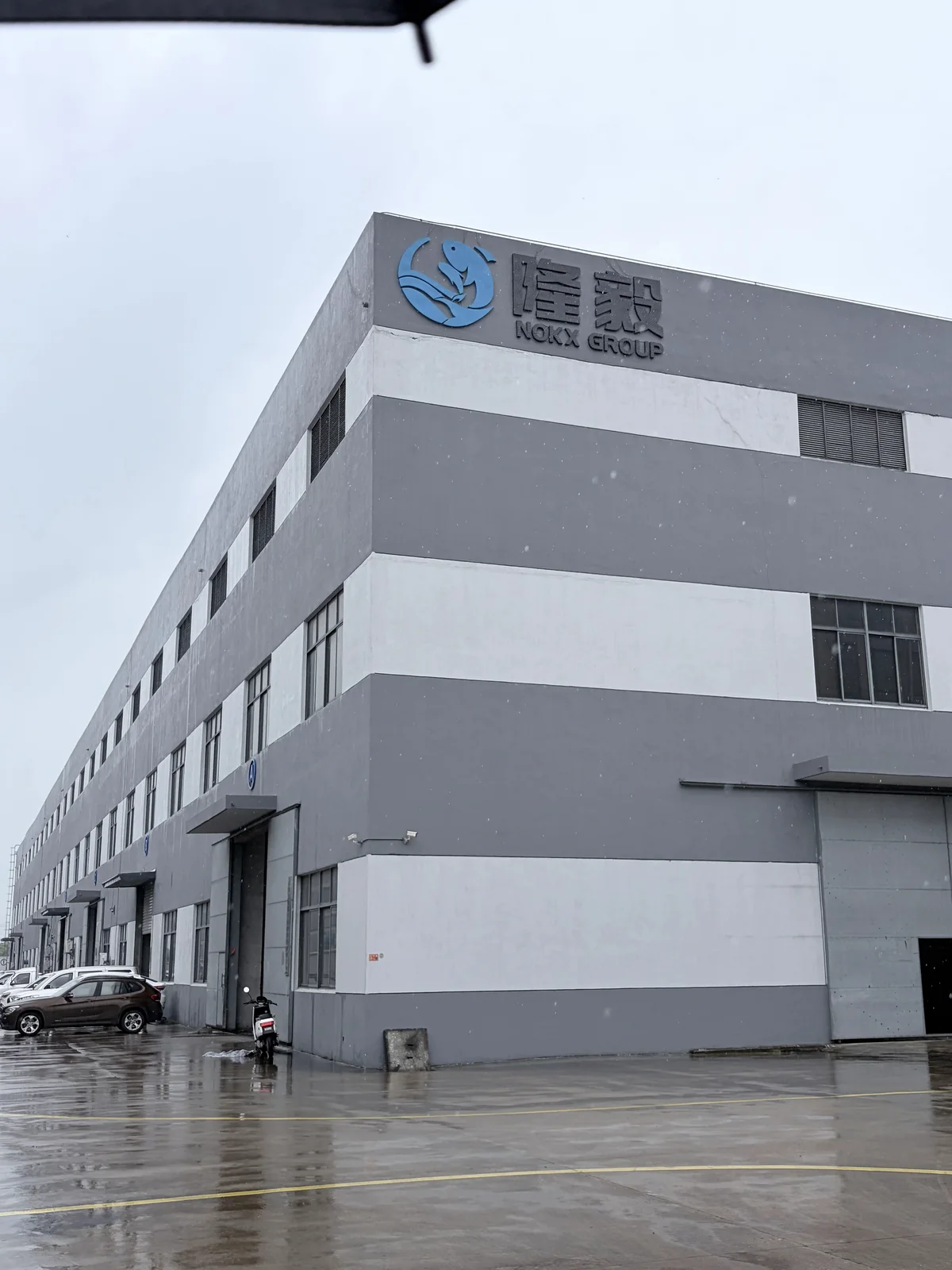
NOKX Manufacturing Base
Featured Product Cases
Case 1
Add case description, specifications and button URL.
Case 2
Add case description, specifications and button URL.
Case 3
Add case description, specifications and button URL.
此处放与案例 1 对应的真实成品、加工细节或实际应用照片。建议尺寸:1200×800|比例:3:2
此处放与案例 2 对应的真实成品、加工细节或实际应用照片。建议尺寸:1200×800|比例:3:2
此处放与案例 3 对应的真实成品、加工细节或实际应用照片。建议尺寸:1200×800|比例:3:2
Words from Clients
Hear how industrial buyers describe their experience with NOKX project coordination, quality control and delivery support.
DISCUSS YOUR PROJECTWe purchased stainless welded pipes, fittings and flanges for our water treatment project. Dimensions are precise, material test certificates are complete. The welding and surface finish meet our standards perfectly.
We ordered hot die forgings and CNC machined components. Tolerance control is excellent. The supplier strictly follows our drawings, delivery is on time. We have established long-term cooperation.
One-stop sourcing for stainless welded pipes, flanges and pipe fittings saves us much procurement work. Product quality is stable. Suggest improving seaworthy packaging for long shipping.
Their CNC precision machining & hot die forging services are reliable. All stainless pipe fittings and flanges comply with EN standards. Full inspection reports support our third-party acceptance.
We source large diameter stainless welded pipes, forged flanges and custom machined parts here. Good corrosion resistance, competitive price compared with European suppliers. Highly recommend.
Wide product range including stainless fittings, welded pipes, forgings and CNC parts. Communication is efficient. Minor delay on one batch, but supplier solved it properly.
Napier Xu provided great support during the whole project. He responds to emails and messages very quickly. Besides the good quality of stainless welded pipes and forged flanges, the efficient service makes our cooperation smooth.
Our sales manager Xuyi is extremely professional. He gave us valuable suggestions on hot die forging and CNC precision machining according to our drawings. All stainless pipe fittings meet our requirements.
I would like to praise Napier Xu for his patient communication. We revised drawings several times for custom flanges. He always replied promptly and coordinated production team well. The final products are acceptable.
Sales manager Xuyi has rich industry knowledge about stainless welded pipes and pipe fittings. He helped us select suitable materials to control cost without sacrificing performance. Delivery was on schedule.
Product Catalog & Inquiry
Technical Review & Quotation
Send your drawing, material and quantity. NOKX will review the requirements and prepare a quotation.
2024 Product Catalog
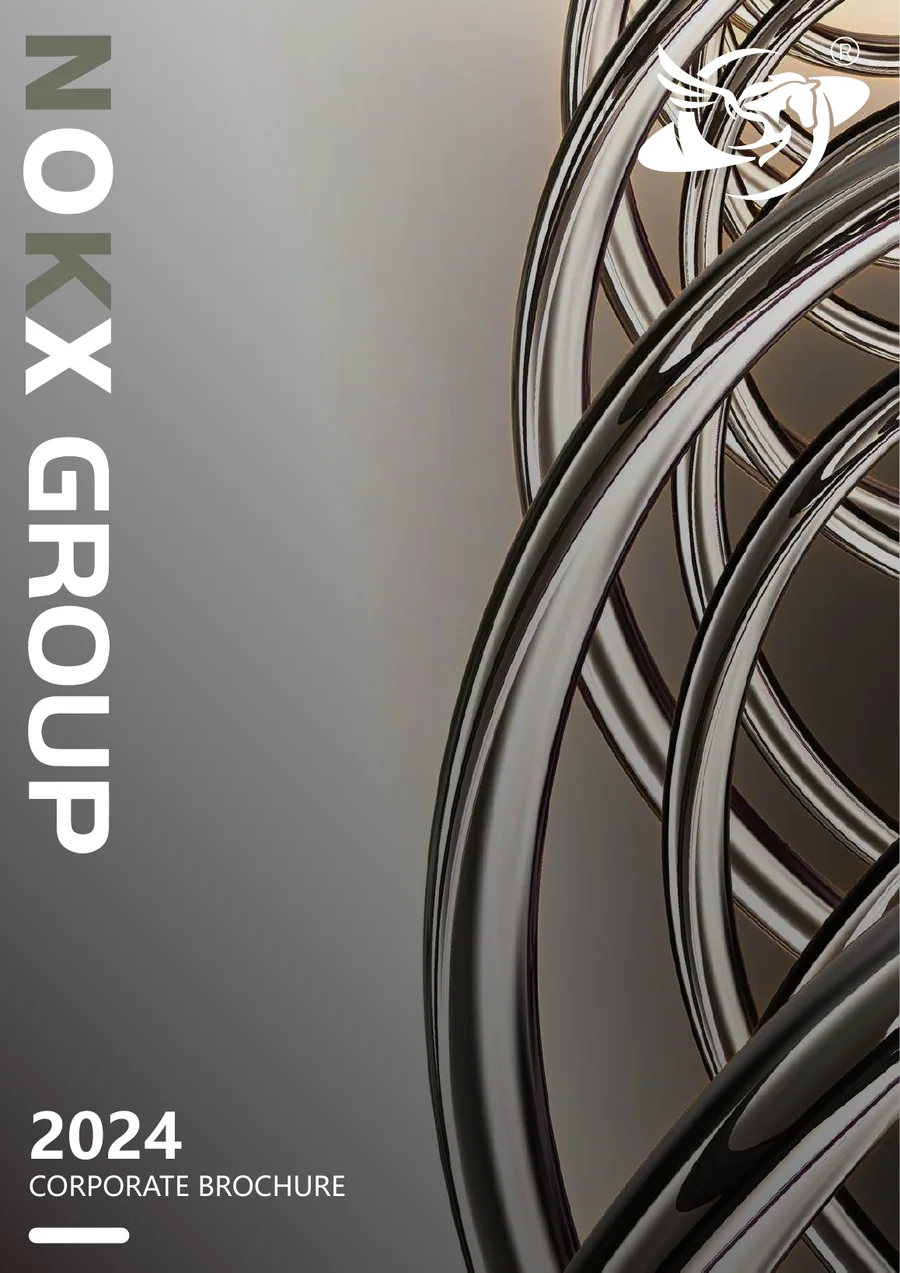
Review NOKX product ranges, materials and applicable standards in the official 20-page corporate brochure.
Request the Catalog
Enter your contact details and a brief product interest. After submission, the catalog download button will appear.
PROJECT SUPPORT
Frequently Asked Questions
Practical information for industrial buyers preparing a product or custom manufacturing inquiry.
What products does NOKX supply?
NOKX supplies welded and seamless pipes, pipe fittings, flanges, forgings and precision-machined components to project specifications.
Can components be manufactured to our drawings?
Yes. Send the drawing, material, standard, quantity and inspection requirements for technical review before quotation.
Which materials can be reviewed?
Projects may involve stainless steel, duplex grades, nickel alloys and other specified materials. Final feasibility is confirmed against the submitted requirement.
What information is needed for a quotation?
Please provide the product description, material or grade, applicable standard, dimensions, quantity, delivery requirement and supporting drawings where available.
How are inspection and export packing handled?
Material records, dimensions and required documentation are checked to the agreed scope. Products are marked and protected for export delivery.